1. Account Setup
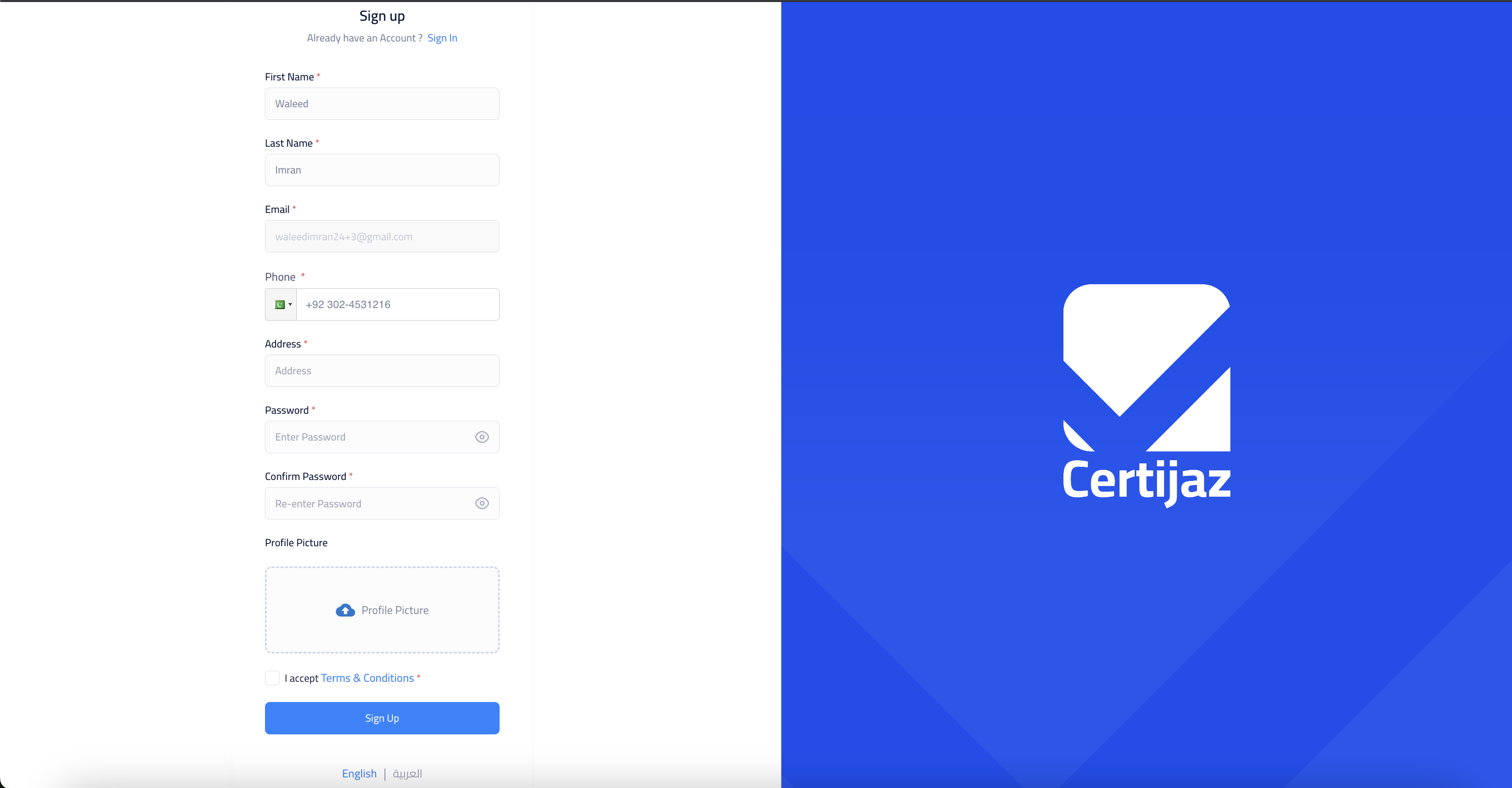
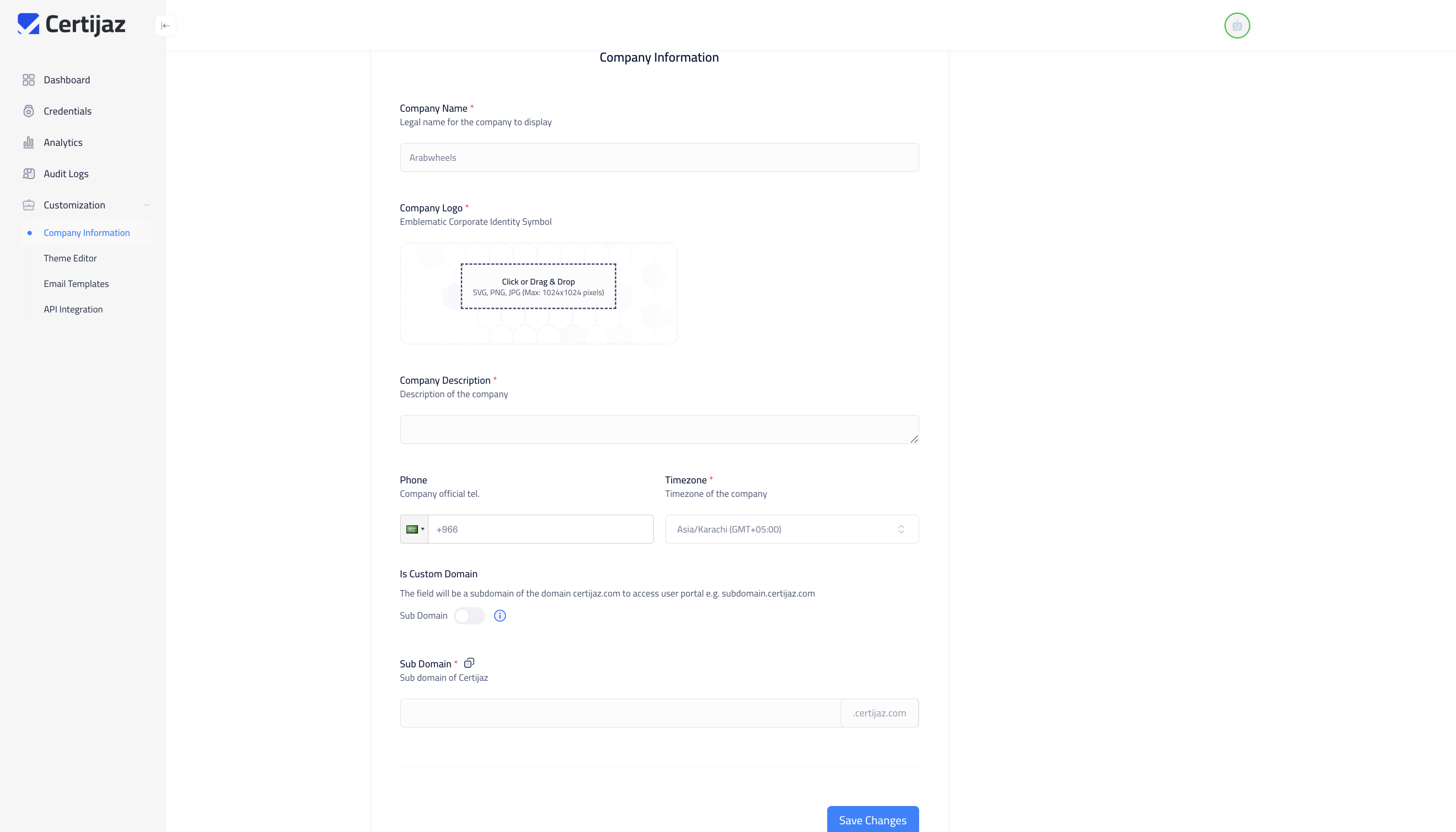
Let's get your account and company profile configured. This section walks you through the first three essential steps to personalize your Certijaz experience. Click each tab to see the details.
Start Your Free Trial
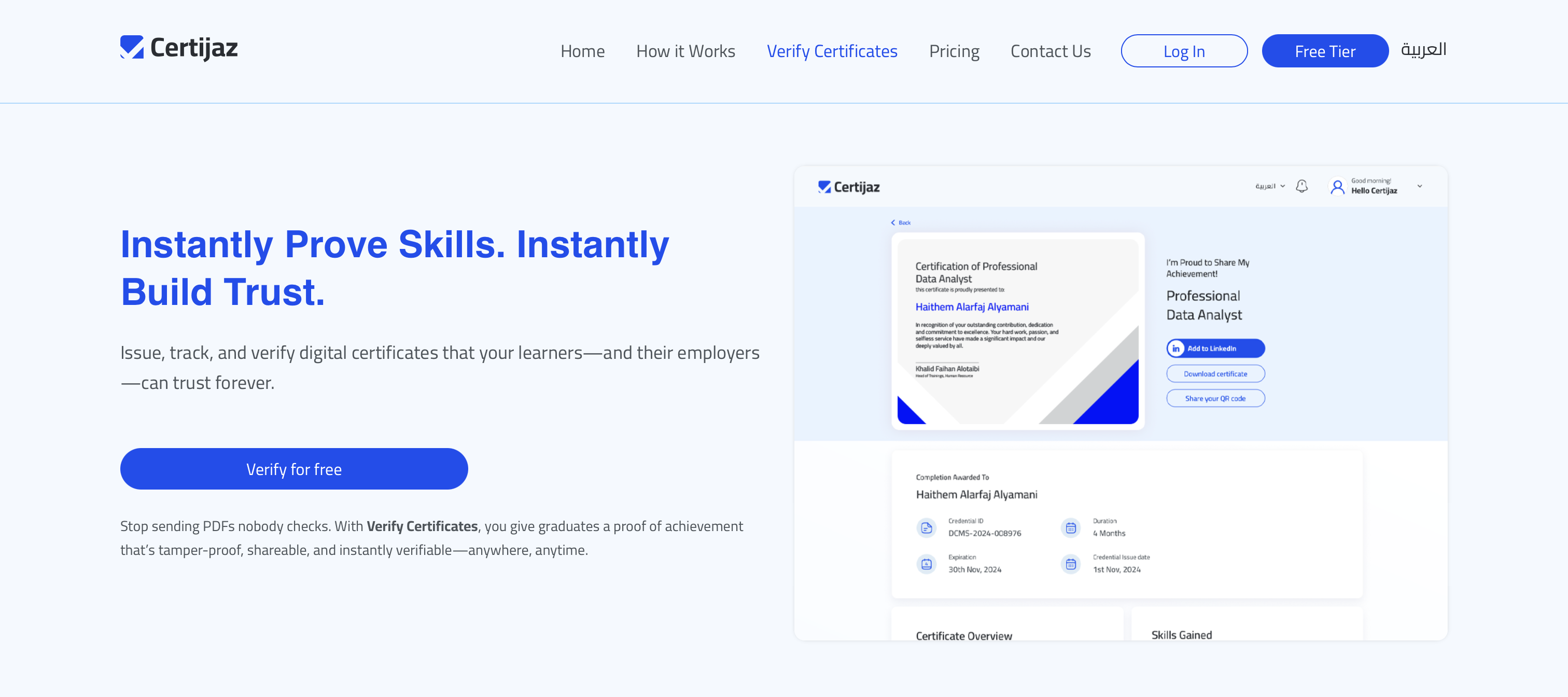
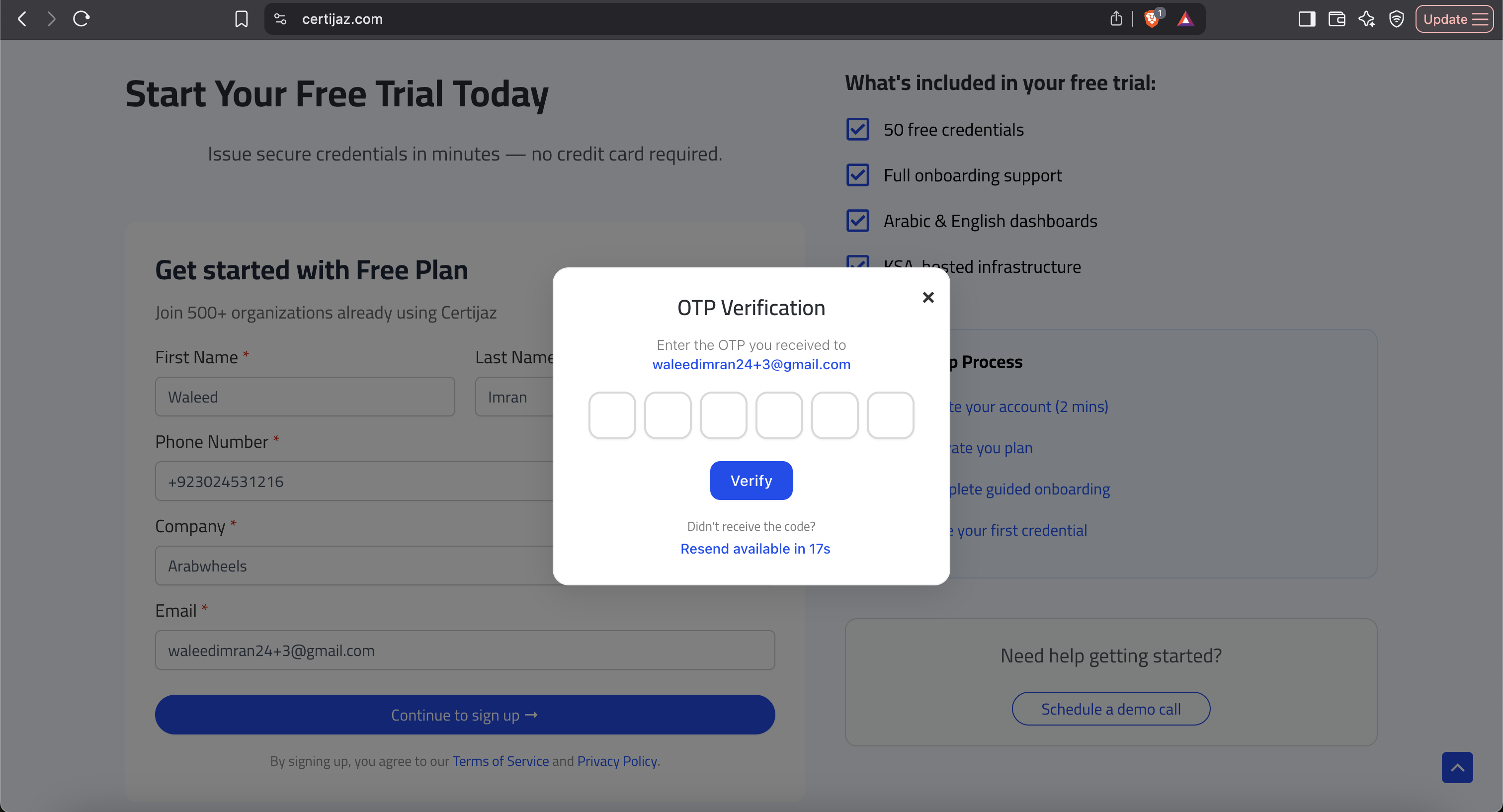
Begin by navigating to the Certijaz website. Fill in your basic details to start—no credit card is required to get instant access.
- Navigate to the free trial page.
- Enter your name, company, and email.
- Click "Continue" to get started instantly.
2. Credential Creation
Here's the creative part. Design a beautiful, branded certificate or badge from scratch, or upload your own design. Then, use our simple editor to add dynamic fields.
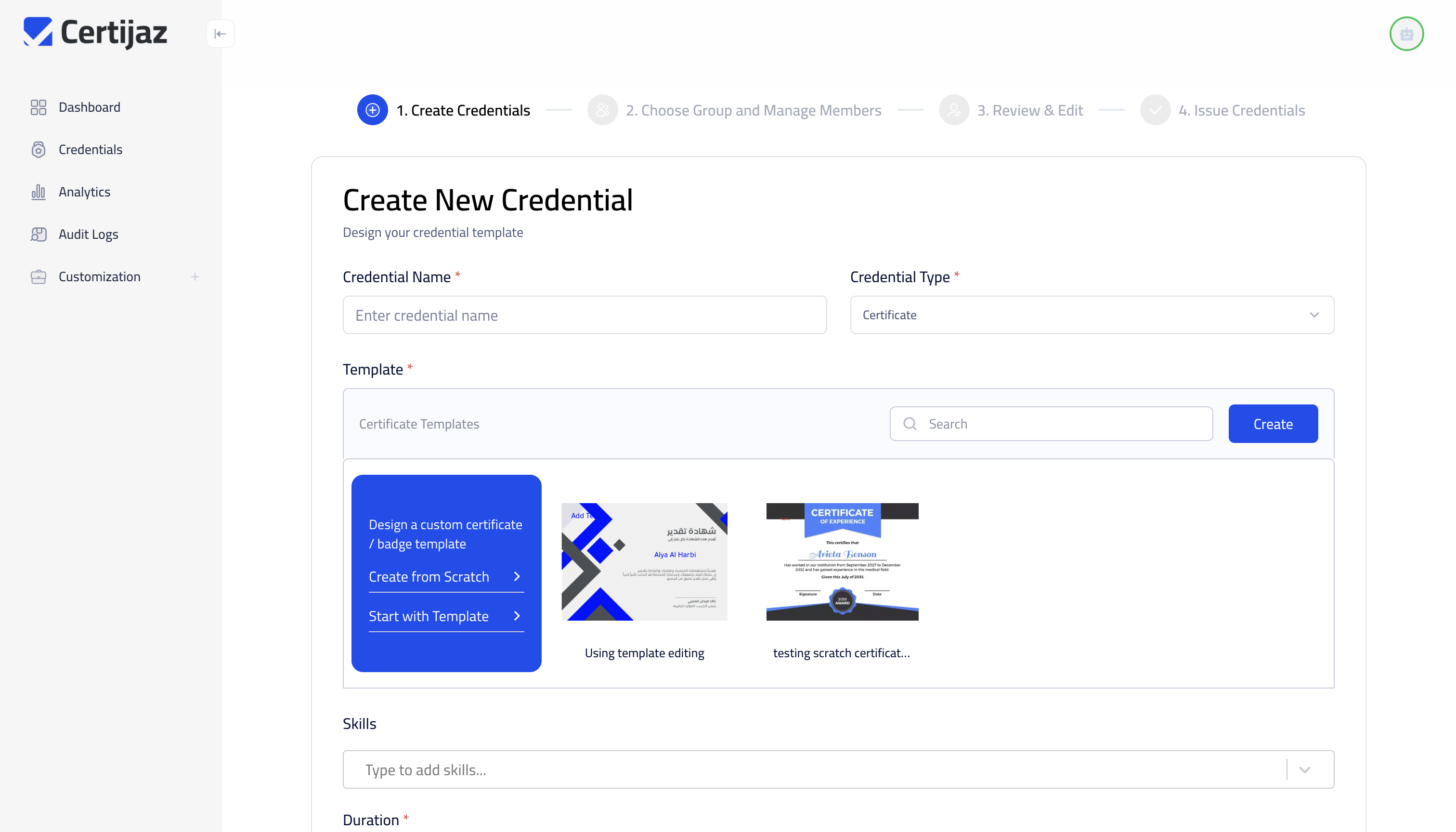
A. Choose Your Starting Point
Certijaz gives you complete flexibility. You can choose one of our professional templates to get started quickly, or if you already have a certificate design, you can simply upload it as a background.
B. Customize Your Template
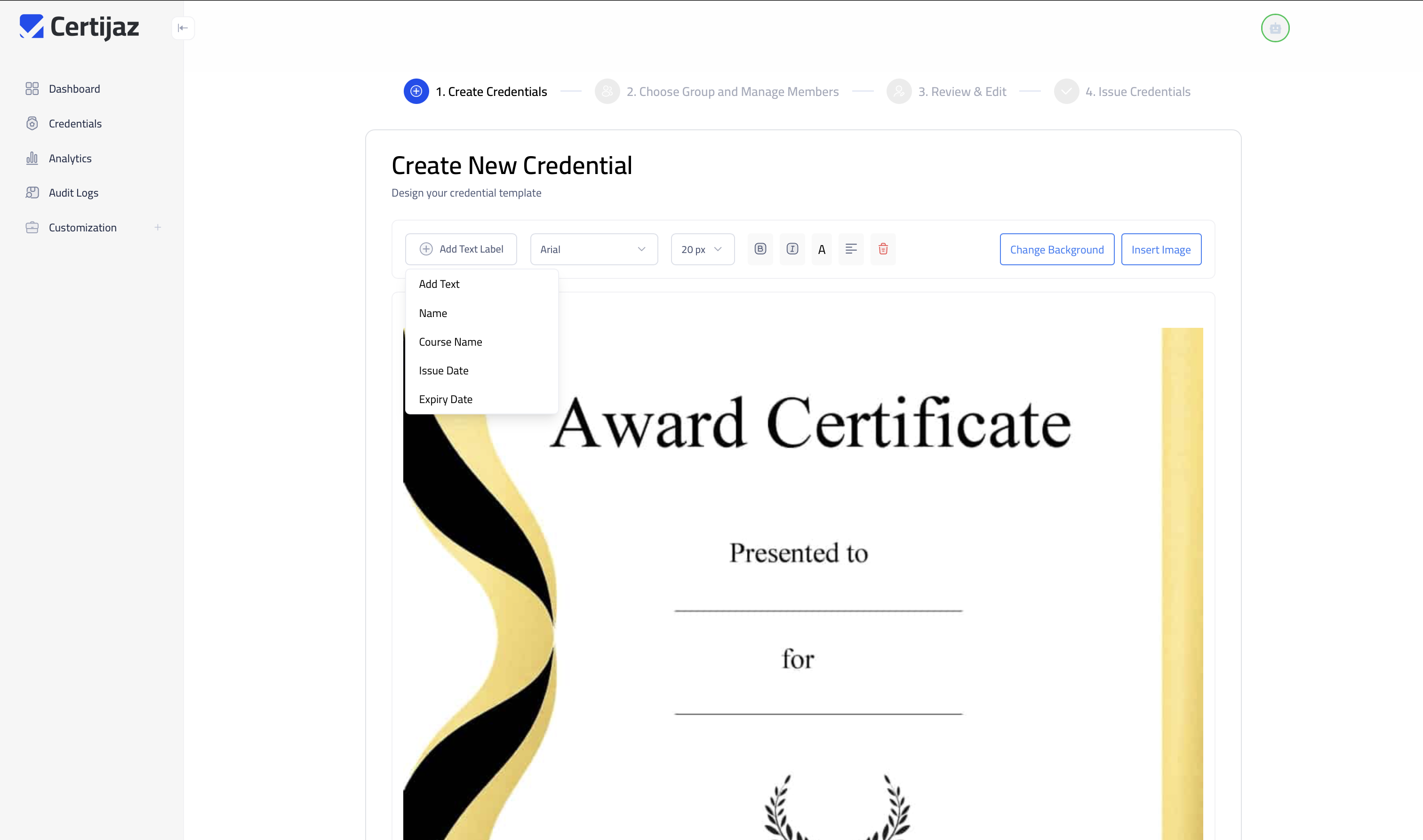
After uploading your design, use our simple editor to place dynamic fields. These are placeholders like 'Name' or 'Issue Date' that will be automatically filled with each recipient's unique information.
✨ Try the AI Assistant
Stuck on what to name your credential? Enter a topic below, and our Gemini-powered assistant will suggest a professional title and relevant skills.
3. Issuing & Managing
With your template ready, it's time to add recipients, review the details, and issue the credentials in one go.
A. Add Recipients
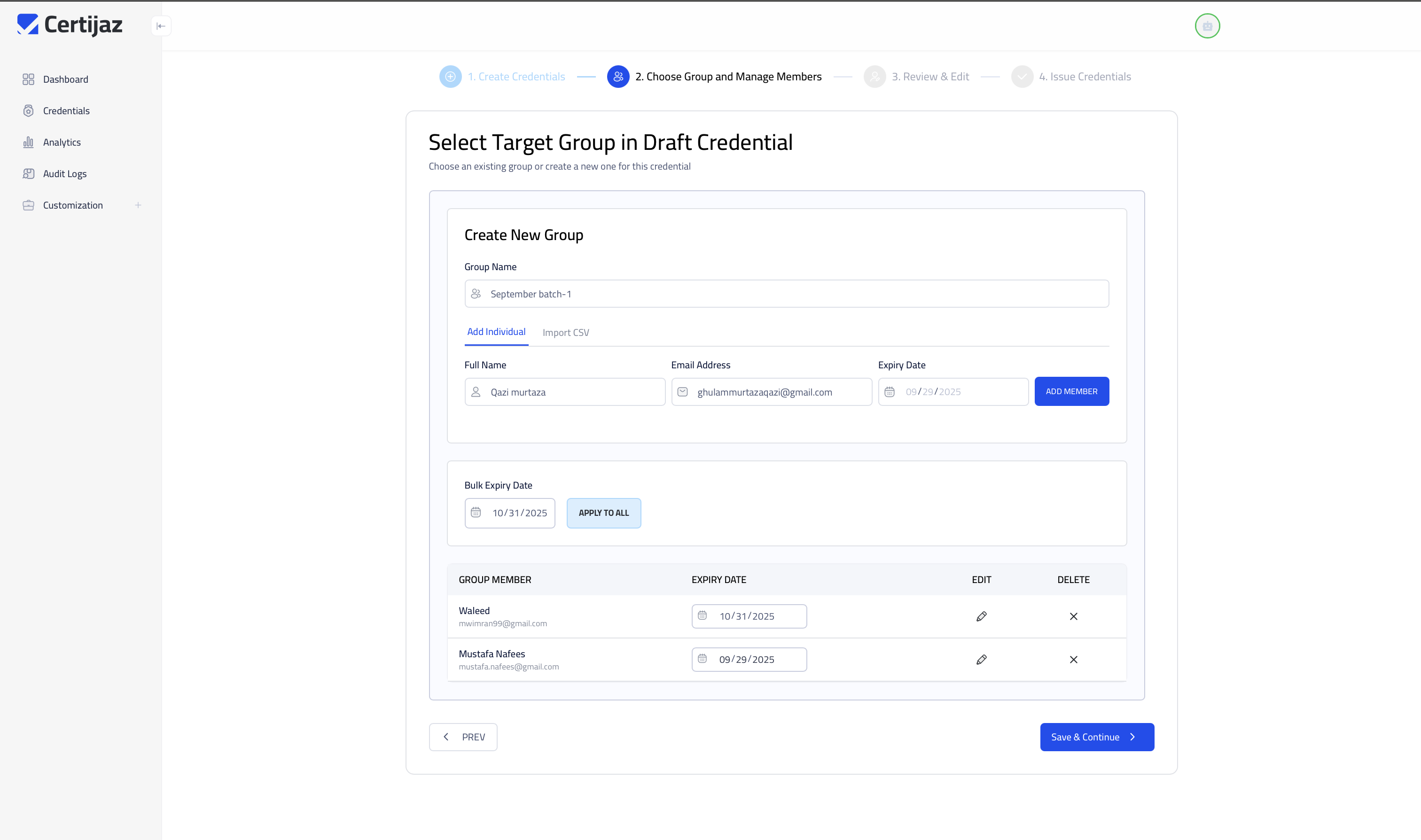
For a few people, you can type their names and emails directly. For larger groups, simply format a CSV file with the required information and upload it using the "Import CSV" feature. The system will handle the rest.
B. Review and Issue
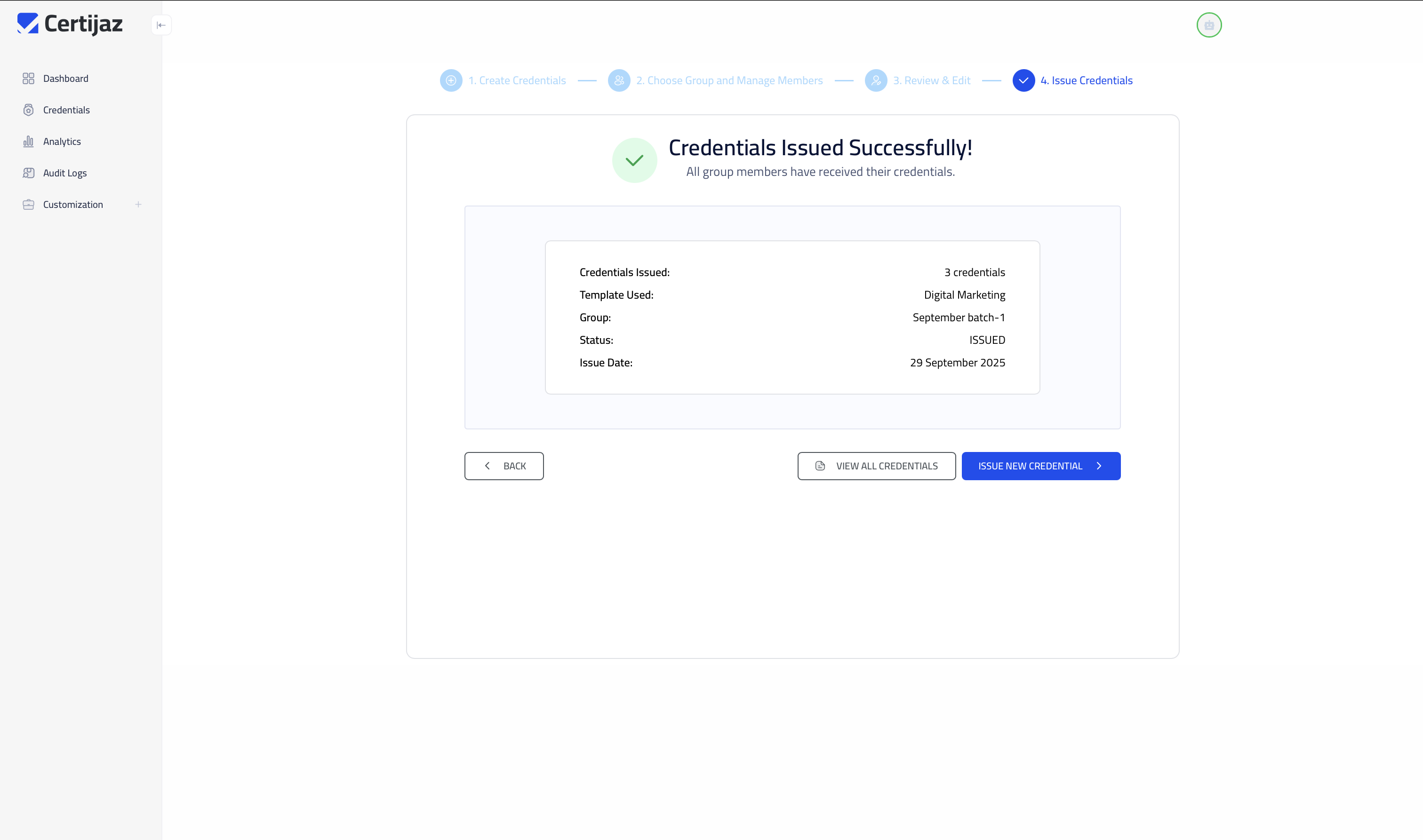
Before sending, you'll get one last chance to review everything. This screen ensures all recipient data is correct. Once you're ready, click to issue, and the system securely generates and delivers each unique credential.
4. Recipient Experience & Verification
The final step is the result. See how your recipients receive their credentials and how anyone can instantly verify their authenticity, providing ultimate trust and security.
A. Recipient Notification
Recipients receive a branded email instantly. This email contains a secure link for them to access their new credential and create their personal wallet.

B. Credential Wallet
From the email, users are guided to create a secure digital wallet where they can view, manage, and share all the credentials they've earned through Certijaz.
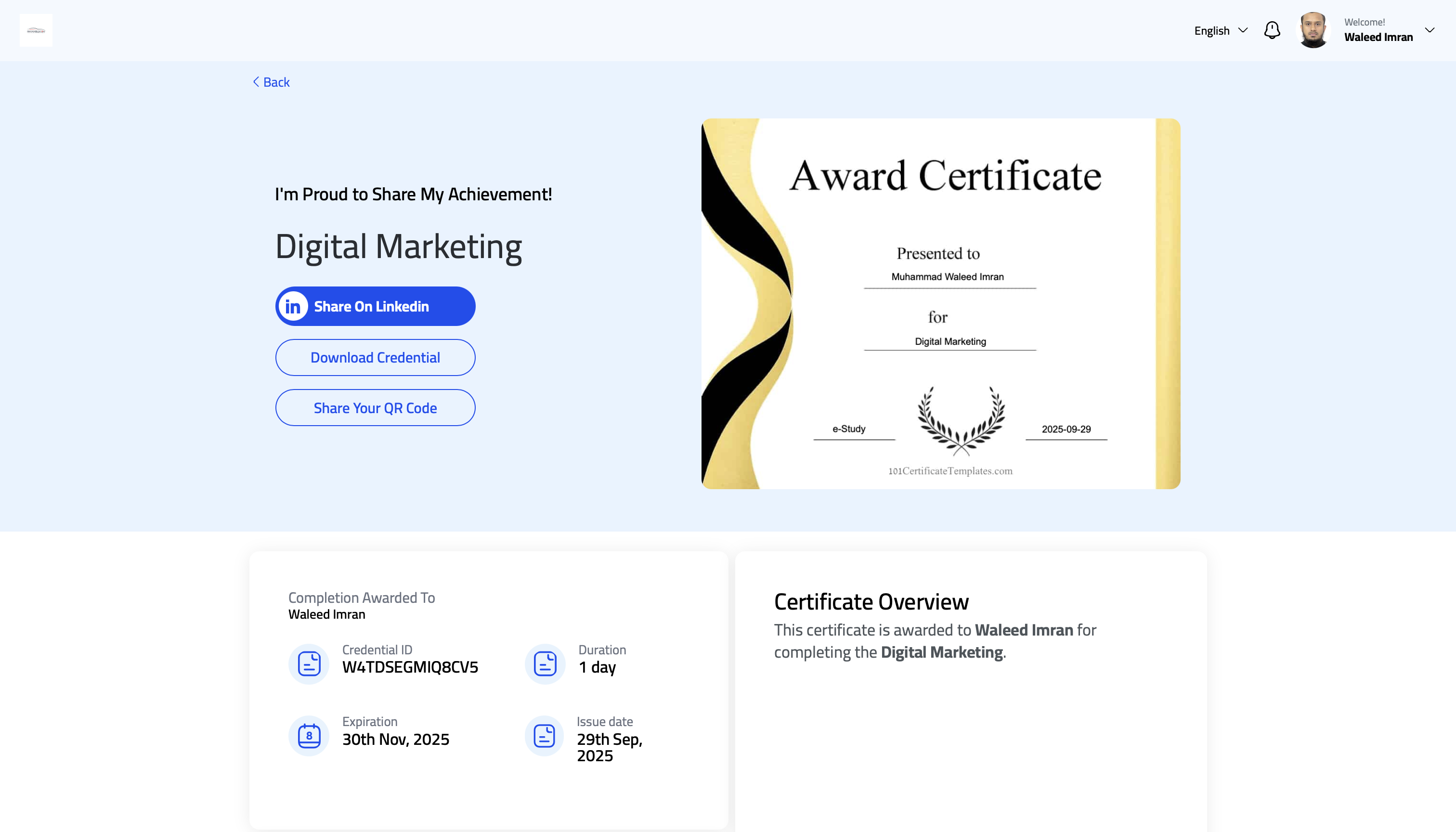
C. Public Verification
Each credential comes with a unique ID. Anyone can visit the Certijaz website, enter this ID, and instantly verify the credential's authenticity, eliminating any doubt or fraud risk.
Go to Certijaz.com to Verify